How a session works
- 1
Pick a scenario
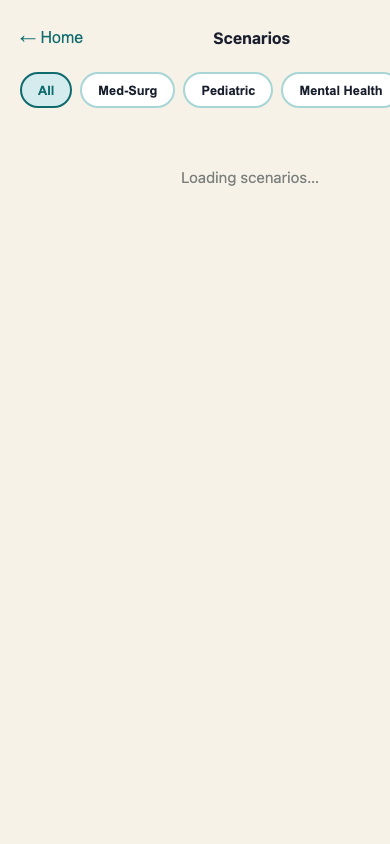
Browse 100+ clinical scenarios by domain: med-surg, peds, mental health, end-of-life, and more. Each one shows the patient's name, age, chief complaint, and difficulty level. Choose based on what's coming up.
- 2
Read the brief
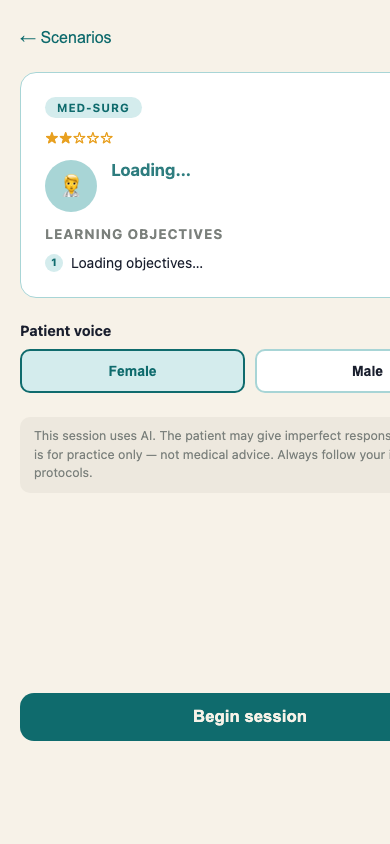
Before the conversation starts, you see the patient's persona card: name, age, chief complaint, and three learning objectives. This is the same kind of brief you'd get before a clinical encounter.
- 3
Talk to the patient
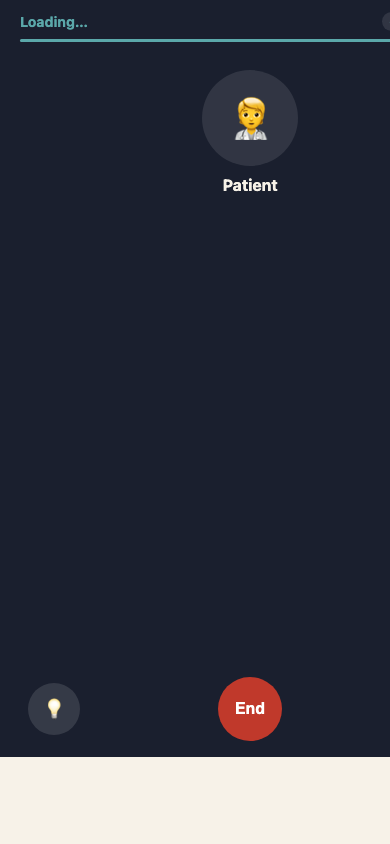
The session is voice-only. The AI patient responds in real time based on what you say. Conversations run five to seven minutes. You can end early or let the timer close the session.
- 4
Get your feedback
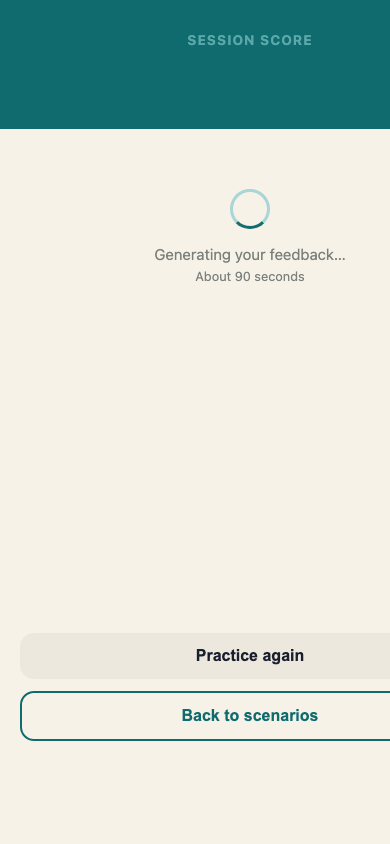
Within about 90 seconds of ending the session, you get a score (1–5 stars) and coaching across four dimensions: therapeutic communication, clinical assessment, humanistic care, and safety and escalation.
- 5
Practice again
If something didn't land, practice the same scenario again. The AI patient gives slightly different responses each time, so you're not memorizing a script. You're building a skill.
What it’s not
- —A chat app or text-based Q&A tool
- —An NCLEX quiz bank
- —Medical advice or clinical decision support
- —A replacement for your clinical hours
Bedside is for practice only. Not medical advice, and not a substitute for your institution’s protocols.